 Onn TV Hacks Master Your Onn TV with Expert Guides, Hacks, & Apps
Your Onn Google TV box isn’t dying because Walmart sold you a bad unit. Most of the “my box just stopped working” stories going around actually trace back to a handful of everyday habits that quietly wear the device down.
Here are the most common mistakes that Onn TV users don’t realize they’re making, and the fix for each one.
📋 6 Mistakes Destroying Your Onn TV Box
1. Installing APKs From Random Sites
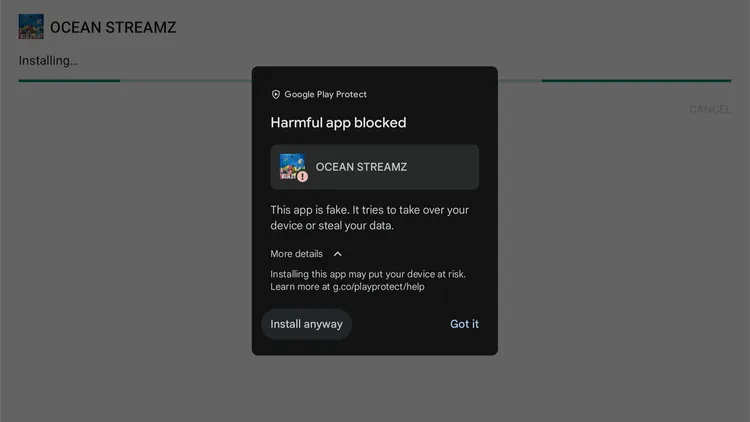
Free streaming APKs for Onn TV are one of the most common targets for malware and bugs, and grabbing one from a random site or link will carry those bugs over to your Onn device once you install it.
Malware on an Onn TV box can secretly steal personal accounts, hijack your internet to route illegal traffic, and exhaust your device’s memory until it freezes, crashes, or breaks completely.
These issues have mostly shown up bundled inside sideloaded IPTV players or sports-streaming APKs.
The fix:
- Never install APKs from random sites.
- Open the Downloader app and enter code 8533602 — every app on that page is malware-checked.
- Keep a premium VPN running even after installing, for secure streaming.
2. Ignoring the Latest Onn TV Updates
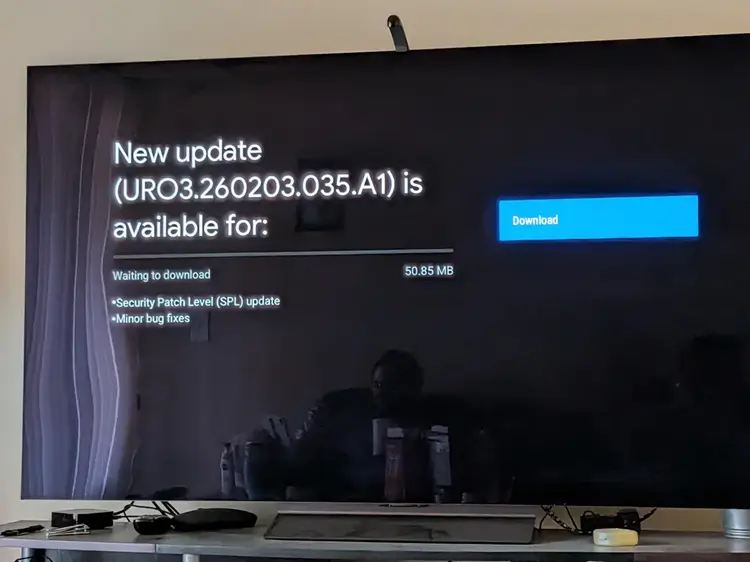
Skipping system updates doesn’t just mean missing new features — it means running with known bugs and security holes that Google and Walmart have already ruled out in the latest update.
An outdated streaming app is one of the most common reasons for random crashes.
Outdated firmware is also prone to memory leaks that build up over weeks and slow the whole device down. So updating Onn TV to the latest version is important.
The fix:
- Go to Settings > System > About > System Update every few weeks and install anything pending.
- Also update apps: Settings > Apps > Manage Updates > Enable Auto Update Apps.
3. Storage/RAM Overload From Too Many Apps
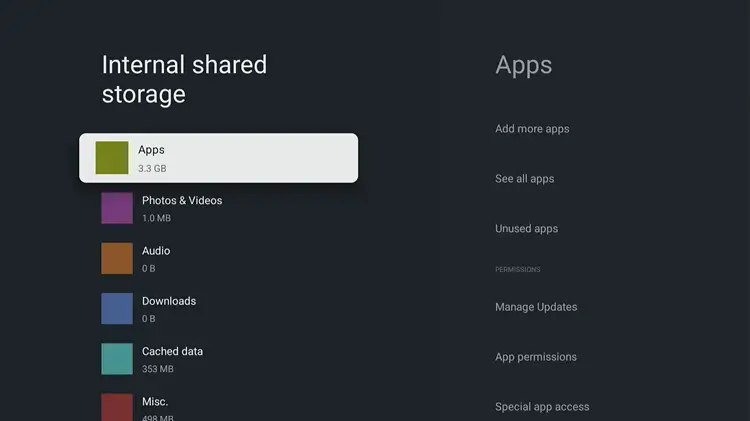
Onn TV, especially the base models, only has 8GB of storage, and a chunk of that is already taken up by the OS and preinstalled apps.
If you stack on more apps like live TV and sports apps, every extra app will compete for the same limited RAM.
Once storage gets tight, the box has to constantly reload cached files from scratch, which shows up as laggy menus, apps that take forever to open, and eventually crashes.
The fix:
- Uninstall anything you don’t need.
- Remove pre-installed apps you don’t use.
- Clear app cache regularly: Settings > Apps > See all apps > Clear cache.
- Or upgrade to a higher-storage model like the 4K Plus or Onn 4K Pro (2026).
4. Overheating Due to Continuous Use
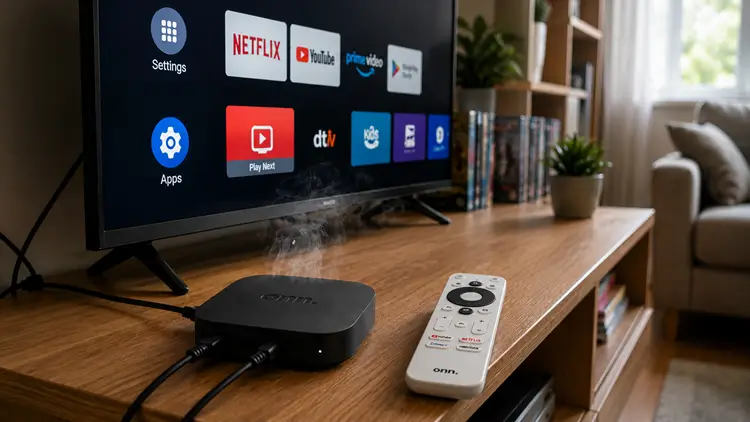
Onn boxes rely entirely on passive cooling. Leave one running 24/7, tuck it behind a TV with no airflow, or push it hard with 4K playback for hours at a stretch, and internal temperatures climb steadily over time.
That heat buildup is a real contributor to random restarts and slowdowns.
The fix:
- Give it open space, don’t box it in behind the TV.
- Don’t stack anything on top of it.
- If you’re stepping away for a long stretch, do a proper restart or unplug rather than just leaving it in standby.
5. Simply Turning Off the TV
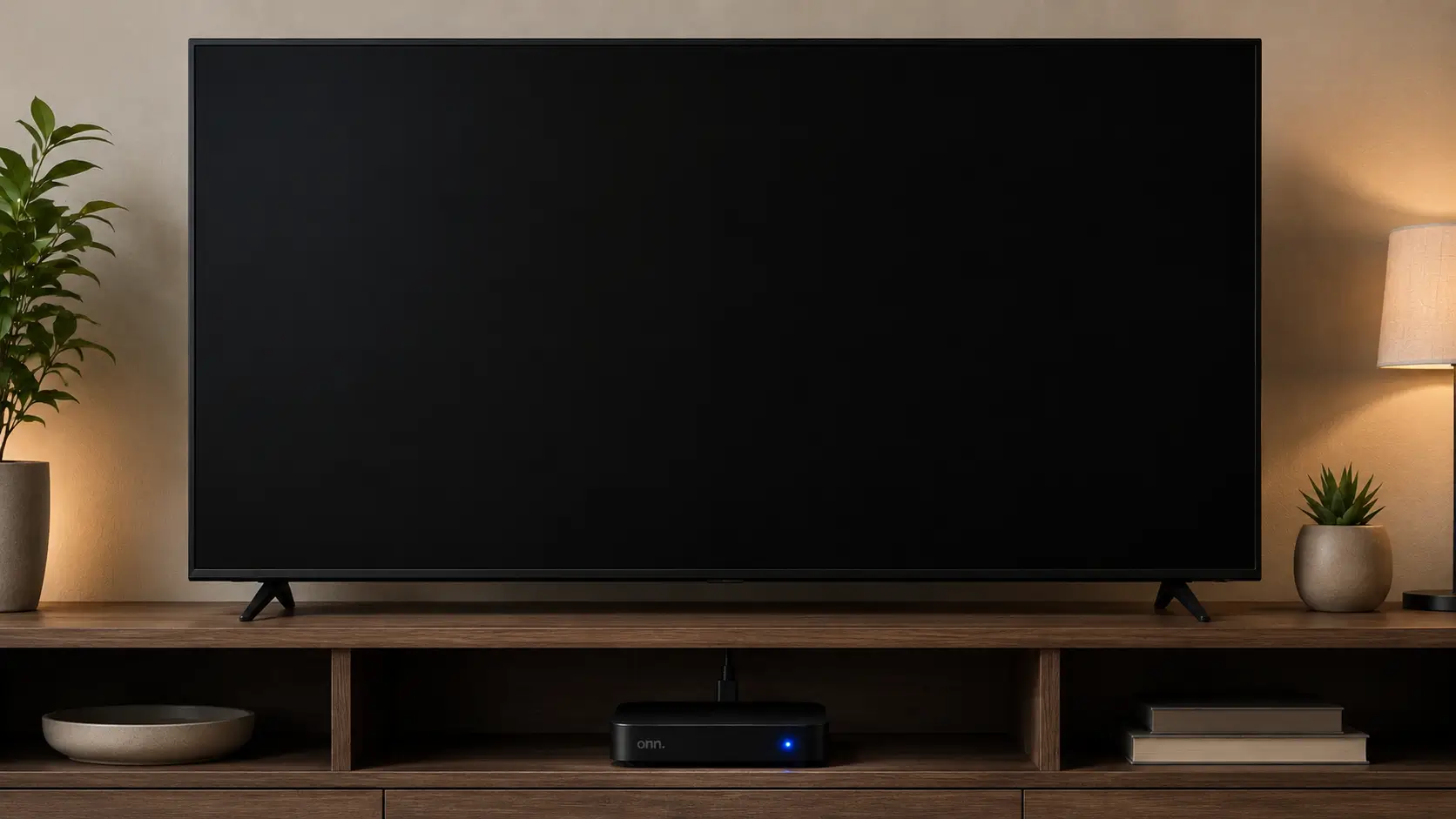
When you turn off your television, your Onn TV box simply enters a low-power standby state rather than shutting down. As a result, active apps remain suspended in memory, continuously consuming system RAM.
Over days or weeks without a restart, cached memory accumulates and minor software glitches pile up, causing sluggish navigation, audio desync, and unexpected app force-closes.
The fix:
- Restart the box every few days: Settings > System > Restart.
- Or briefly unplug it from the wall to clear RAM.
- Close background apps regularly to reset performance.
6. Using Cheap & Underpowered Charging Adaptors & Cables
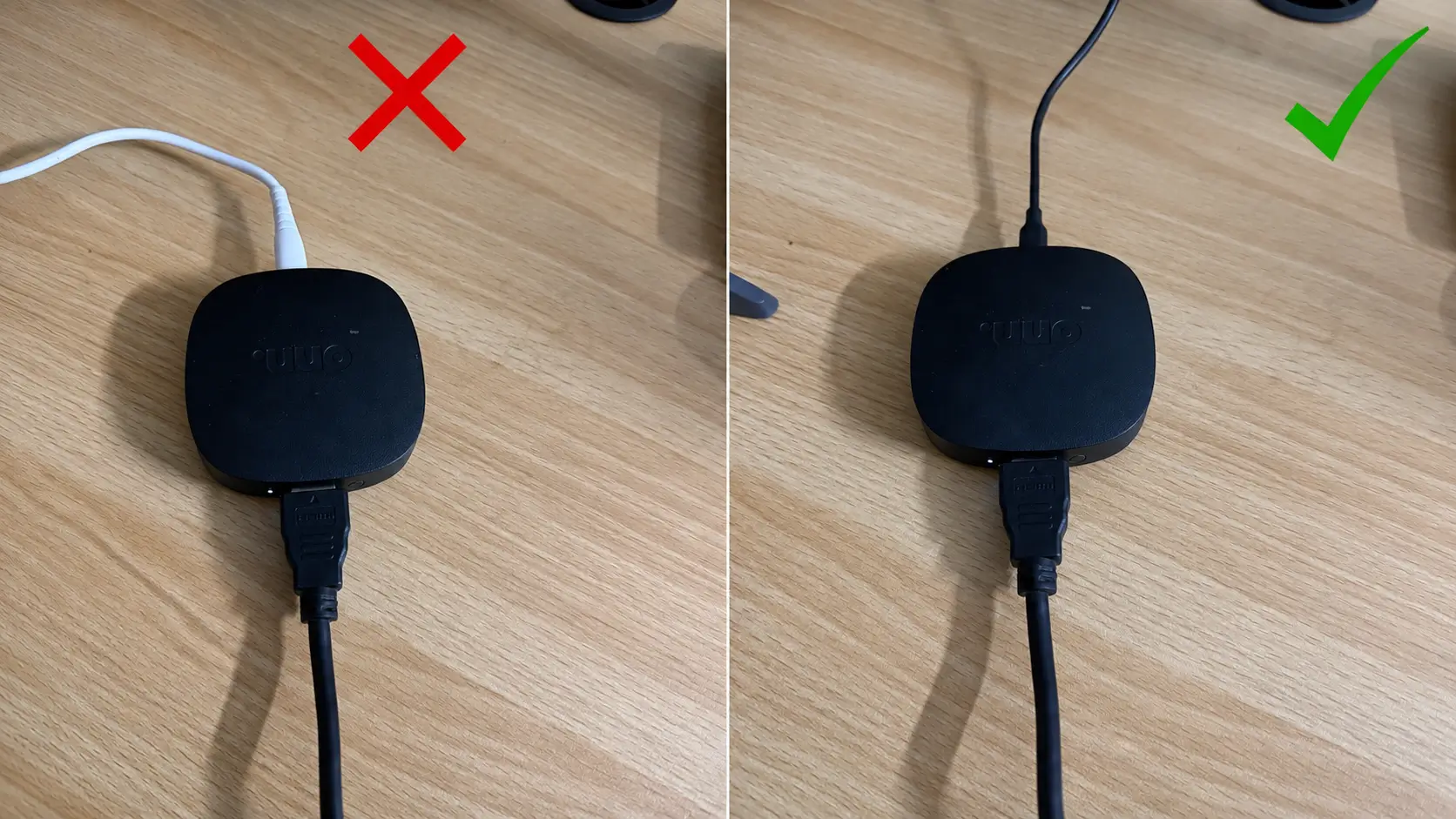
One of the primary causes of unexpected reboots, boot-loops, and sudden freezing on Onn TV devices is insufficient power supply.
Many users attempt to power their box using a TV’s built-in USB port or substitute the original power supply with a basic phone charger.
Because television USB ports and generic chargers often fail to output steady power, especially during 4K HDR playback, the box drops voltage, causing hardware instability.
The fix:
- Always use the original power adapter.
- Plug it directly into a wall outlet.
- Avoid TV USB ports and generic phone chargers, as they cause power drops.
Frequently Asked Questions
1. Can a sideloaded APK actually damage my Onn box permanently?
Sideloading itself is safe when the source is clean. The risk is entirely in where the APK comes from — malware bundled inside a bad file can corrupt system files. Sticking to a trusted Downloader code like 8533602 for Onn TV removes that risk.
2. How often should I fully power cycle my Onn TV?
Every few days if it stays on most of the time, or at least once a week for lighter use. This means a real unplug, not just standby — it clears stuck apps and RAM buildup that sleep mode leaves behind.
3. Does a VPN actually help protect the device itself?
A VPN encrypts your traffic and hides your IP, which cuts down on the kind of targeted probing that malicious apps rely on to phone home. It’s not a replacement for installing clean apps in the first place, but it’s a solid second layer.
4. Is overheating really enough to kill a streaming box?
Sustained heat doesn’t kill a box overnight, but it accelerates wear on internal components and is a well-documented cause of random reboots and shortened lifespan on fanless devices like the Onn boxes.
Conclusion
Most Onn TV “failures” aren’t hardware failures at all. They’re the slow buildup of unclean APKs, a full storage drive, skipped updates, and never giving the device a real reset. Fix these six habits and your box will run the way it’s supposed to for years.